HUD Window
A floating panel on your desktop, over Pro Tools, at the size and opacity you choose.

Live from Pro Tools: the take, transport, track, elapsed time, timecode and the session details you choose, on the booth monitor for talent, an iPad for the producer and the client’s video call.
SessionHUD reads Pro Tools directly and never changes your session. The take moves only when Pro Tools is really recording: pressing Play in QuickPunch doesn’t advance it, and a canceled take puts the last one back. No plugin to install.
SessionHUD is a Mac app. Open this page on your Mac to download it.
Free to try for 14 days.
Then $10 a month or $59 a year per Mac, or $149 once.
Launch prices through
: $49 a year, or $119 once.
Compare plans
macOS 15 or later · Pro Tools 2023.9 or later
SessionHUD sends live Pro Tools session data to four outputs, each with a layout made for its screen, so the engineer, the talent, the producer and a remote client can all see the take, transport and clock.
A floating panel on your desktop, over Pro Tools, at the size and opacity you choose.
Fills any connected monitor, such as the one in the booth, sized for talent to read at distance.
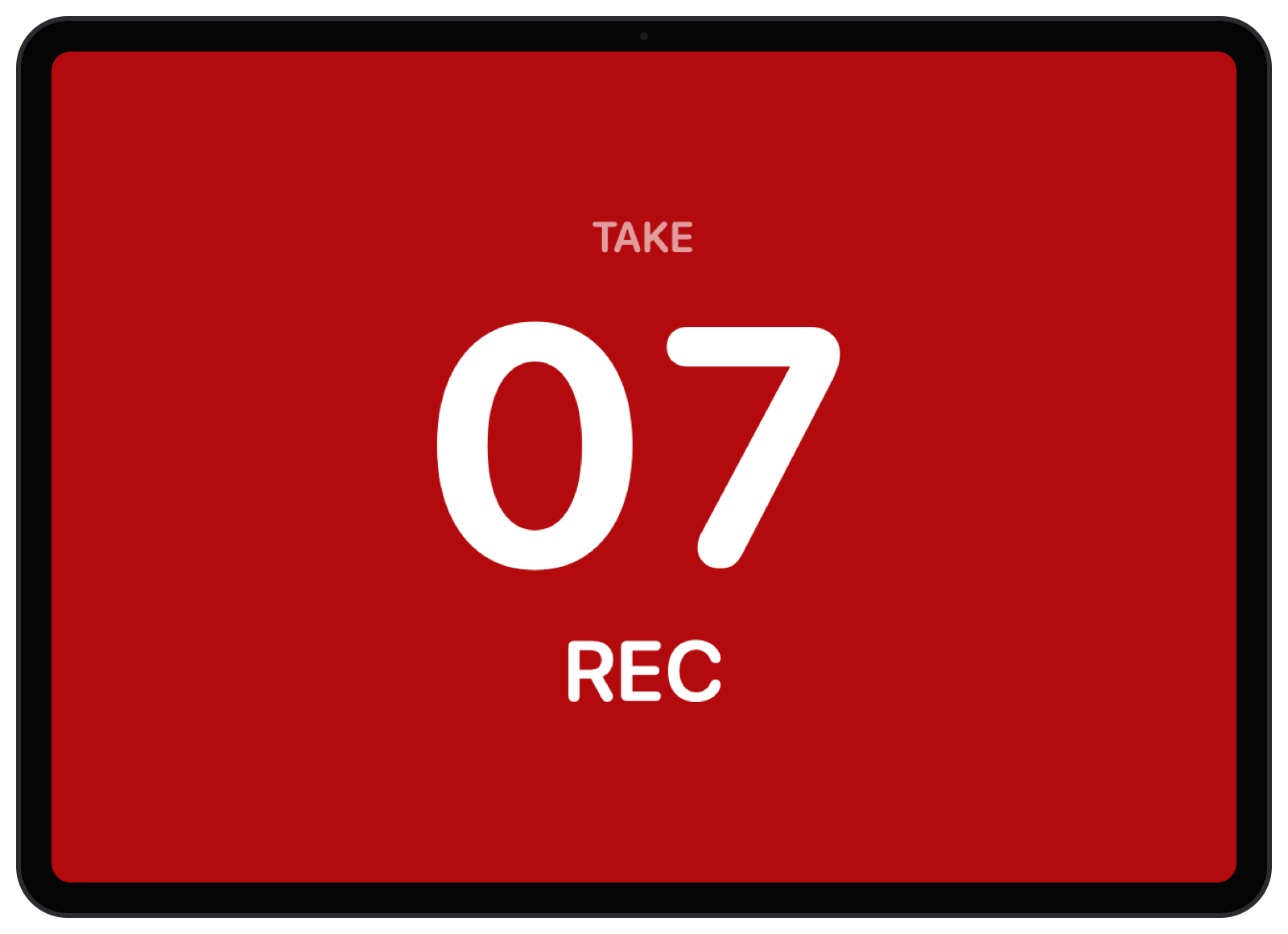
A local page on any iPad, laptop or phone on your studio network, for the whole team. With Background follows transport on, it turns red while you record: a record light anywhere you can prop an iPad.
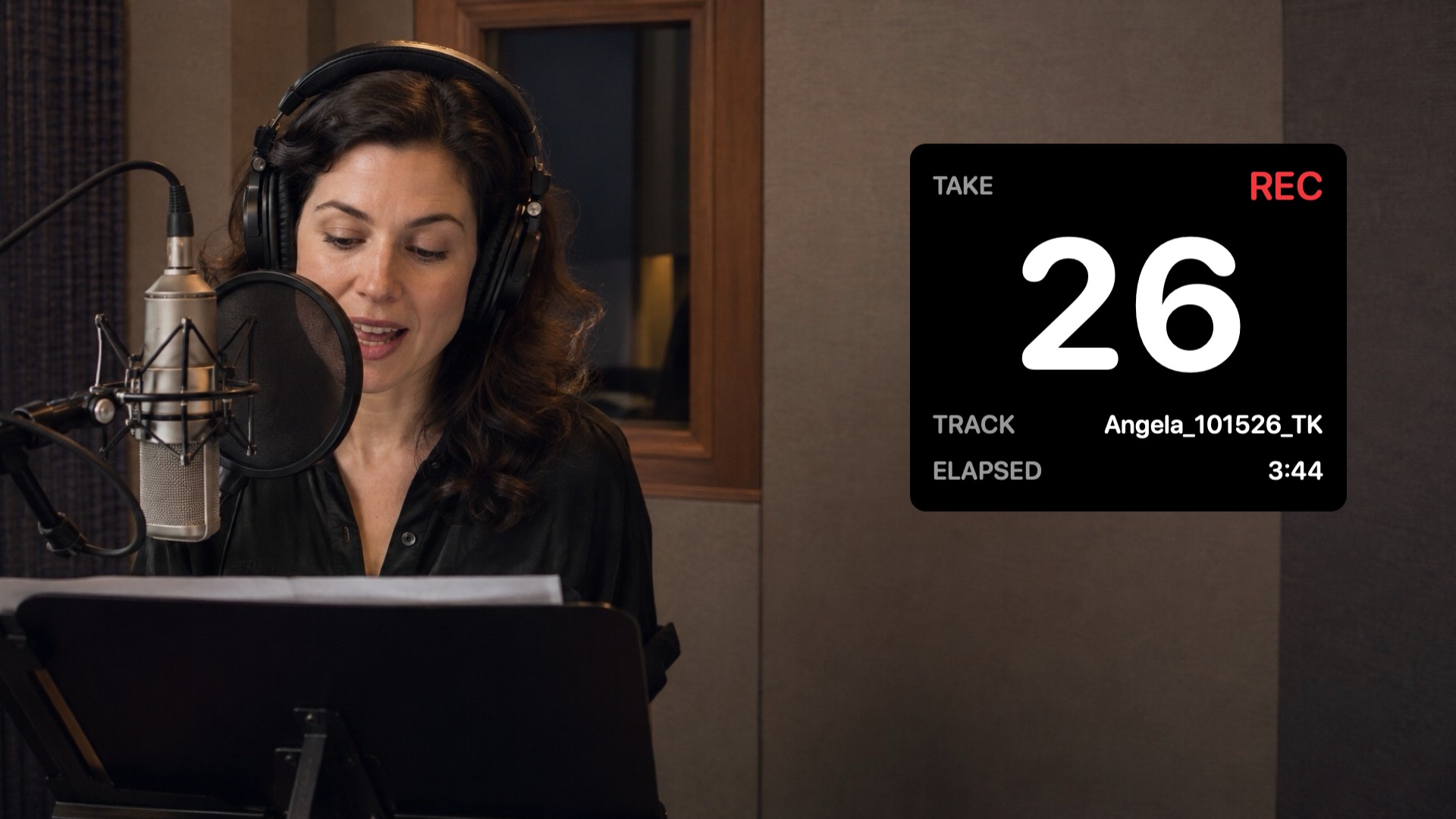
SessionHUD adds its own virtual camera to your Mac. Pick it in Zoom or any video app, and the remote client sees the take in your video, on its own or over your room camera. They install nothing.
Staged photo; the take card is a real SessionHUD render.
Pro Tools’ counter tells you where you are in the session, not how long the take in progress has been going. SessionHUD times every take on its own, from the moment it starts recording, on every screen.
SessionHUD comes from a post-production audio engineer fifteen years in, who still runs Pro Tools every working day.
Every take used to be slated out loud, and the number lived in the Pro Tools window. A client on the call who missed the slate asked which take that was, and on a long day the slate sometimes didn’t happen at all. With the take on every screen, the slate is optional, nobody has to ask, and the whole room is looking at the same number. That’s time back in every session.
A layout can draw on everything SessionHUD reads from Pro Tools: the take, its track and file; the transport and record mode; elapsed time and timecode; the session’s name, sample rate, bit depth and frame rate; and the armed tracks. Add the talent, role, client, project, engineer and note you type in.
Presets — a counter, a take card, a recording slate, a post-production clock, a one-line strip, a take timer and a talent card — come with the app, each composed for the output it runs on, plus Lamp for the HUD window, the display and the browser: the take, large, with a light that shows record, play or stop. Give any of them an appearance profile and a typeface, then set its size and opacity for the room.

Each shown in a different profile and typeface. Any preset can take any of them.
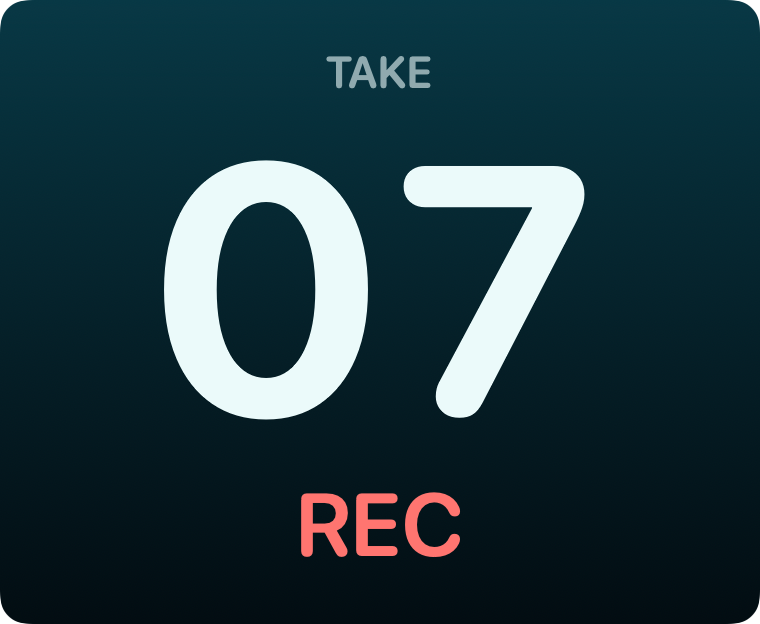
Simple Deep Sea profile Rounded type A centered counter with take and transport.
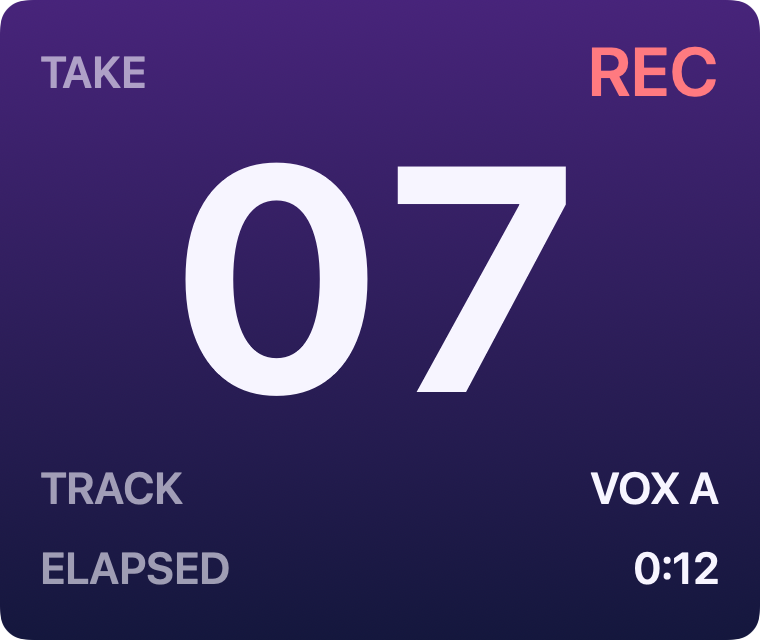
Normal SessionHUD profile Neutral type A focused take card with track, transport and elapsed.
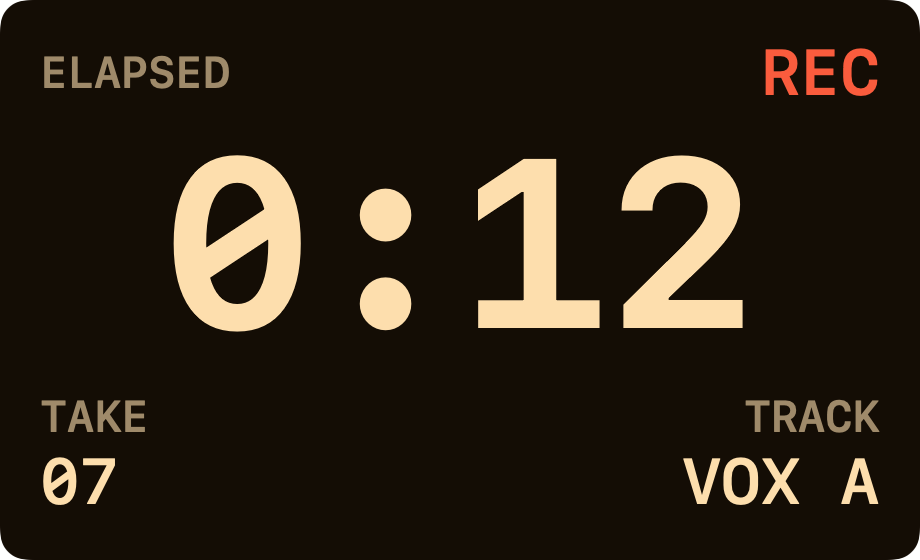
Timer Booth Amber profile Monospaced type Elapsed take time as the headline, with take, track and transport.
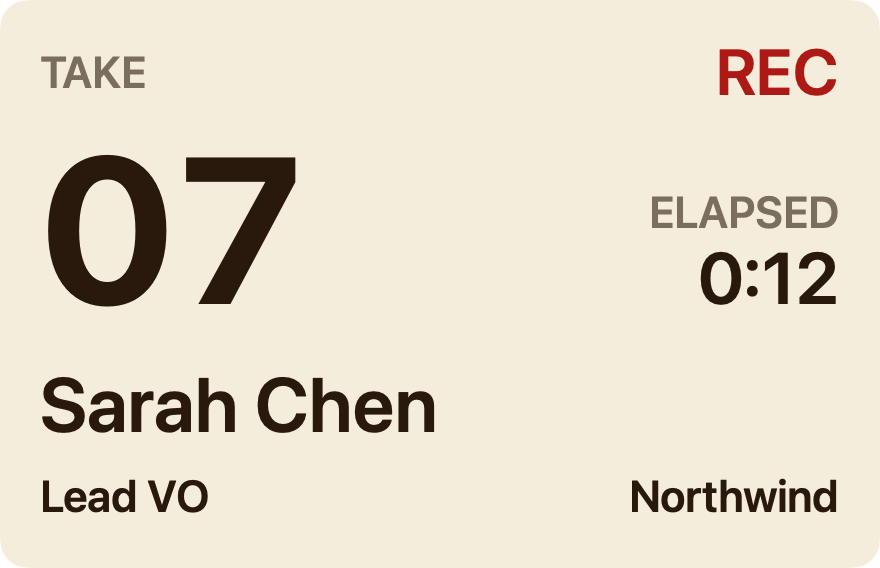
Talent Parchment profile Neutral type A talent card: the talent, role and client you type, beside the take.
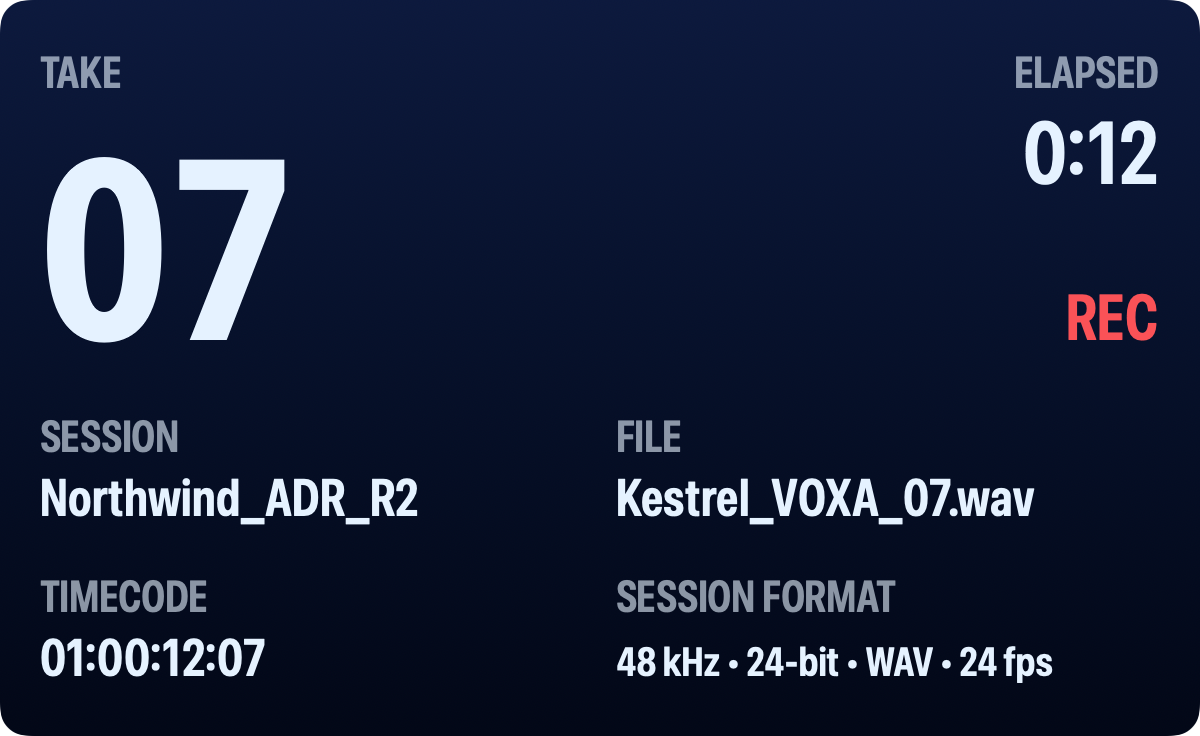
Detailed Midnight profile Condensed type A recording slate with timecode, file and session format.
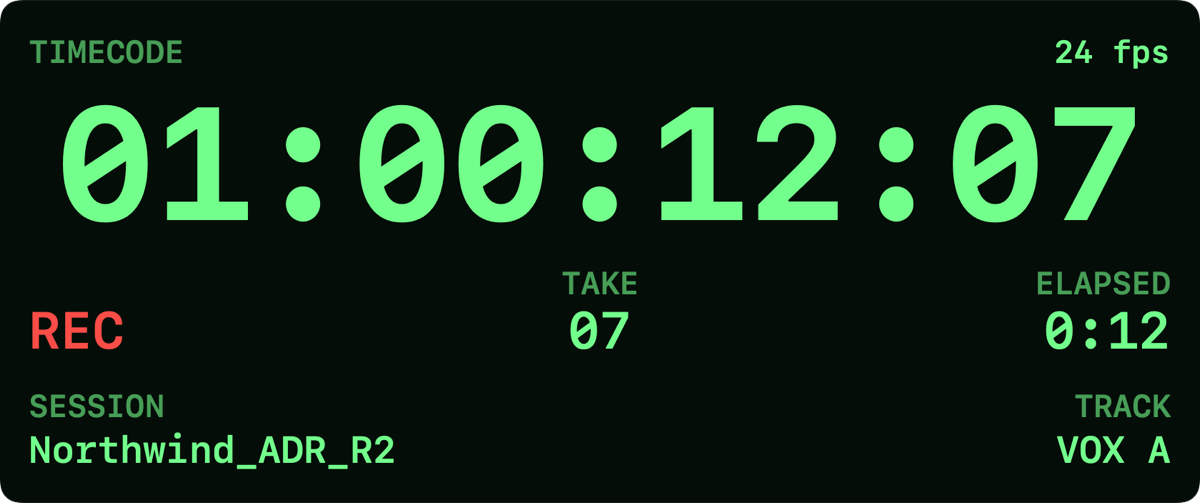
Timecode Cyber profile Monospaced type A large timecode display with frame rate and session context.

Banner Paper profile Rounded type A single line for the top or bottom of a page.
Free for 14 days. Every output works — the HUD, a full-screen display, the browser viewer and the virtual camera — with the built-in presets and nothing to sign up for.
SessionHUD is a Mac app. Open this page on your Mac to download it.
Installation helpEvery plan keeps every output running after the 14-day evaluation and adds the layout designer and your own branding. All three include every feature and are priced per Mac.
Launch prices run through , or through if you started your evaluation by then.
$10 a month per Mac For a project or a season.
Launch price · 17% off
not $59
$49 a year per Mac
Locked in for as long as you subscribe. After the launch, new
subscriptions are $59 a year per Mac.
Launch price · 20% off
not $149
$119 once, per Mac
Version 1 to keep, with no renewal. $149 per Mac after the
launch.
Already have SessionHUD? Your account has your serial number, receipts and download, and is where you add a Mac or manage a subscription.